
Bluewheel BXB85 – FAQ
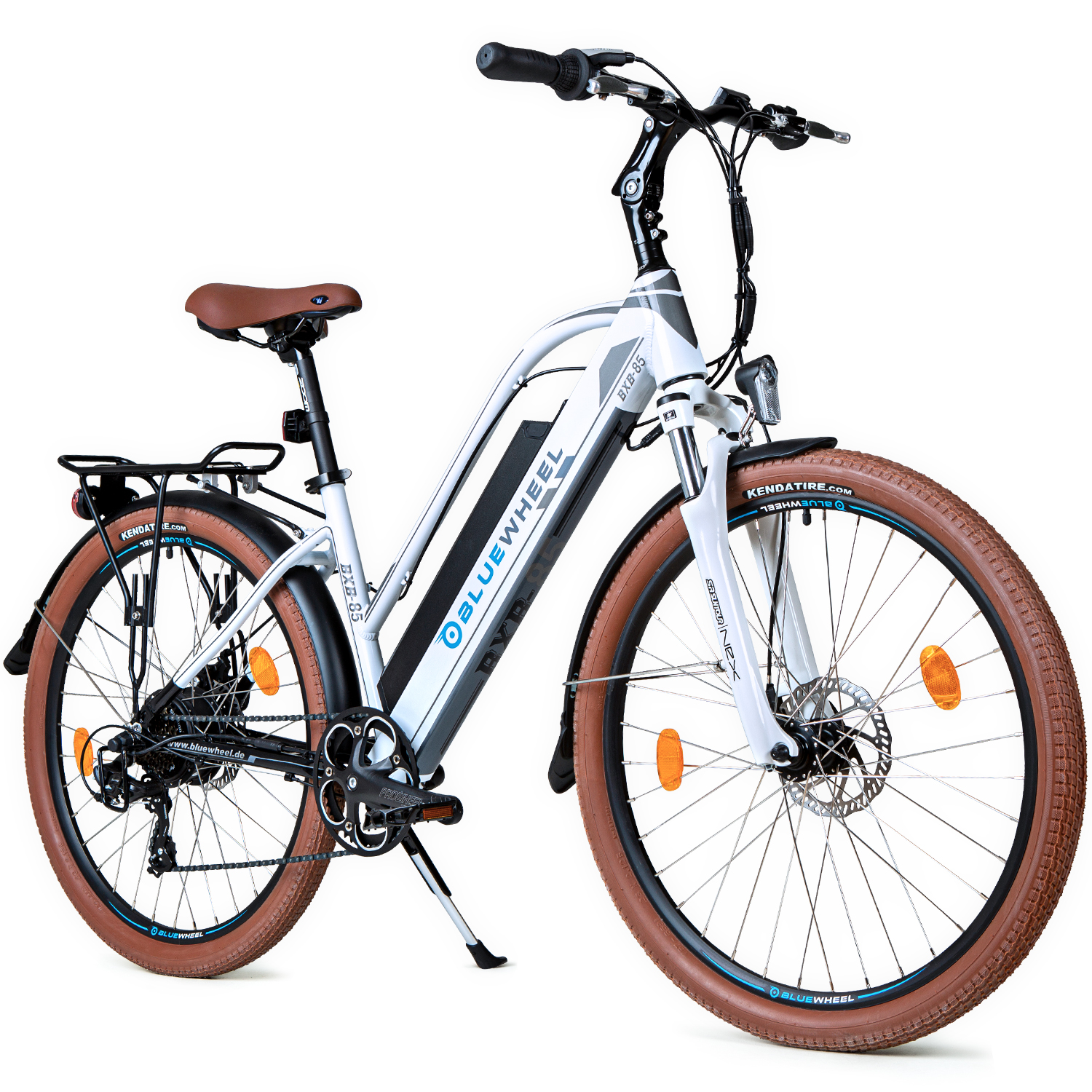
BXB85 Product Photo
Assembly Instructions
FAQ
How do I operate the console?
1. Switch between displays = Press the middle button
2. Switch on = Press and hold the middle button
3. Switch assistance on/off = Press the + or - button, levels 0 to 5.
4. Switch on the light = Press and hold the + button
5. Starting aid = Press and hold the - button
6. QR code for the BikeWiseApp = Press and hold the + and - buttons, then select "Connect to App"
7. Trip Reset = Press and hold the + and - buttons, then select "Display Settings" and then Trip Reset; since 2023, you must press and hold the On/Off button and the + button simultaneously until the counter reaches 0.
Maintenance and cleaning instructions
Do not immerse the device in water or clean it with pressurized water. Clean the device with a soft cloth dampened with water only. Do not use cleaning products.
When the USB port is exposed, it does not provide waterproof protection. If riding in the rain, an external device must be connected and the USB cover must be fully closed and sealed.
Quick Fixes & Troubleshooting
What do the indicator light colors mean?
| LED indicator ... | Solution |
| Not lit | Make sure your power outlet is working. Check the charger's power cord. If the charger still does not work, it may need to be repaired or replaced. Do not try to open the charger yourself. Even if the charger is not plugged in, you could still be injured by an electric shock. |
| Flashing red | Make sure your wall outlet is working. Check the charger's power cord. If the charger still does not work, it may need to be repaired or replaced. Do not try to open the charger yourself. Even if the charger is not plugged in, you could still be injured by an electric shock. |
| Flashing orange | Make sure the charger is fully connected to the battery. Disconnect the charger from the wall outlet and the battery. Wait about 10 seconds and then reconnect the battery, followed by the power outlet. If the indicator LED is still flashing red, there may be a problem with the battery or charger. |
| Flashing orange, then immediately solid green | The battery voltage is low, and the charger is trying to bring it up to normal voltage using a low current. Leave the charger connected to the battery. If the indicator is still flashing orange after a few hours, the battery may be seriously damaged. |
How do I switch on the front light?
Press and hold the + sign on the monitor for 3 seconds. The light should then switch on. If the light on the monitor is lit but the front light is not, either the lamp is faulty or the connecting cable is defective.
The motor overheats and switches off after a few kilometers.
If you want to repair it yourself, we can send you a replacement part. We can also repair it for you. We can send you a new motor, a new PCB (controller), and a new display. Ersatzteile_CO1176291
The date and time are not saved on the display.
The date and time are no longer displayed on the display.
Error 21,22,23
Error codes 21, 22, 23 indicate problems with the motor or connection problems to the motor, possibly due to a faulty cable.
Error 25
Error 25 indicates a problem with one of the brake levers. To find out which brake lever is affected, proceed as follows: First disconnect the plug from one of the brake levers and check whether the error is still displayed. If the error disappears, the problem is with the disconnected brake lever. If the error is still displayed, the other brake lever is defective instead.
Error 26
This error message indicates that the battery is discharged; simply recharge it.
Error 30
Error code 30 indicates a defective display, a faulty cable connection, or a faulty cable.
The spare parts list contains all the individual parts used, from assembly through to use.
The manual contains all the important information.